EXISTING CONDITIONS / REVIT MODELLING
Point Cloud to BIM
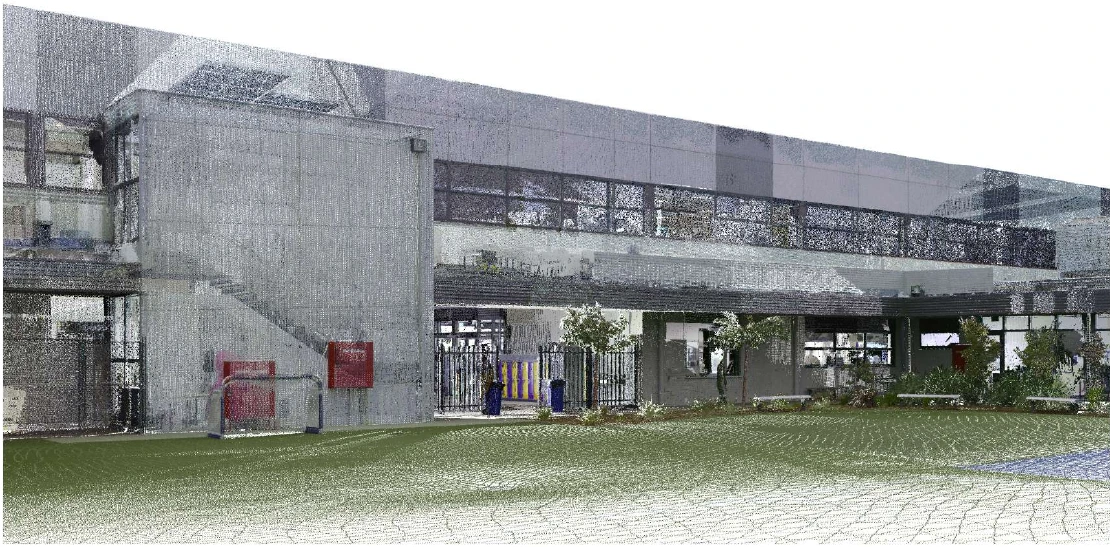
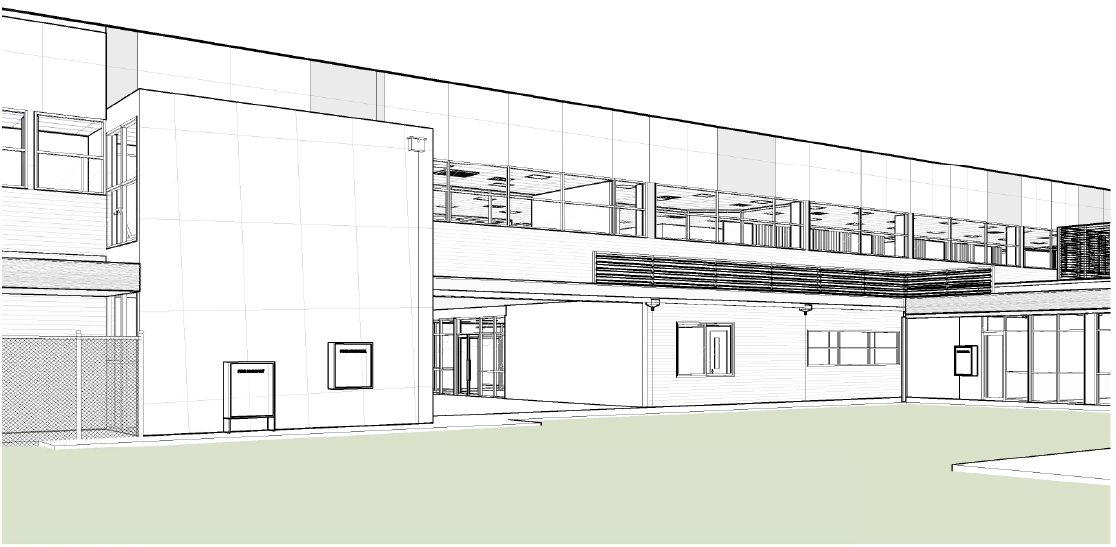
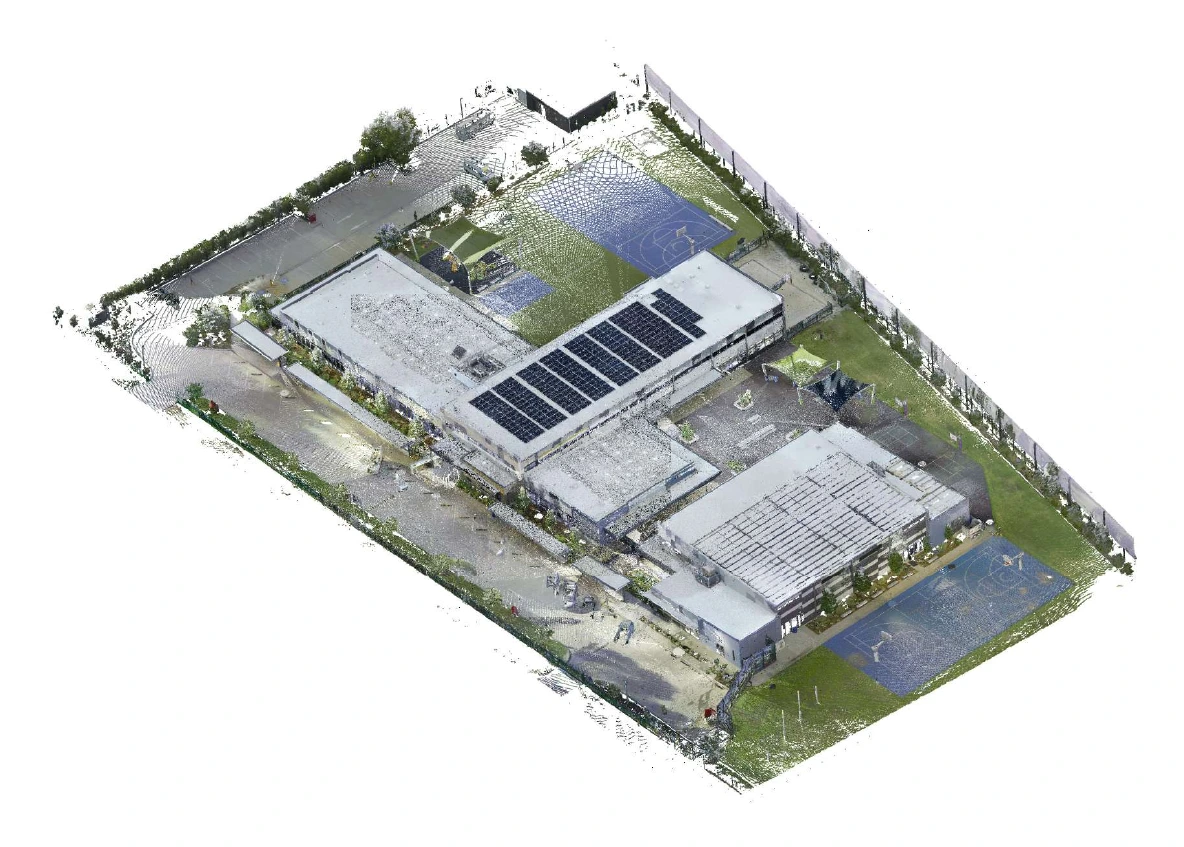
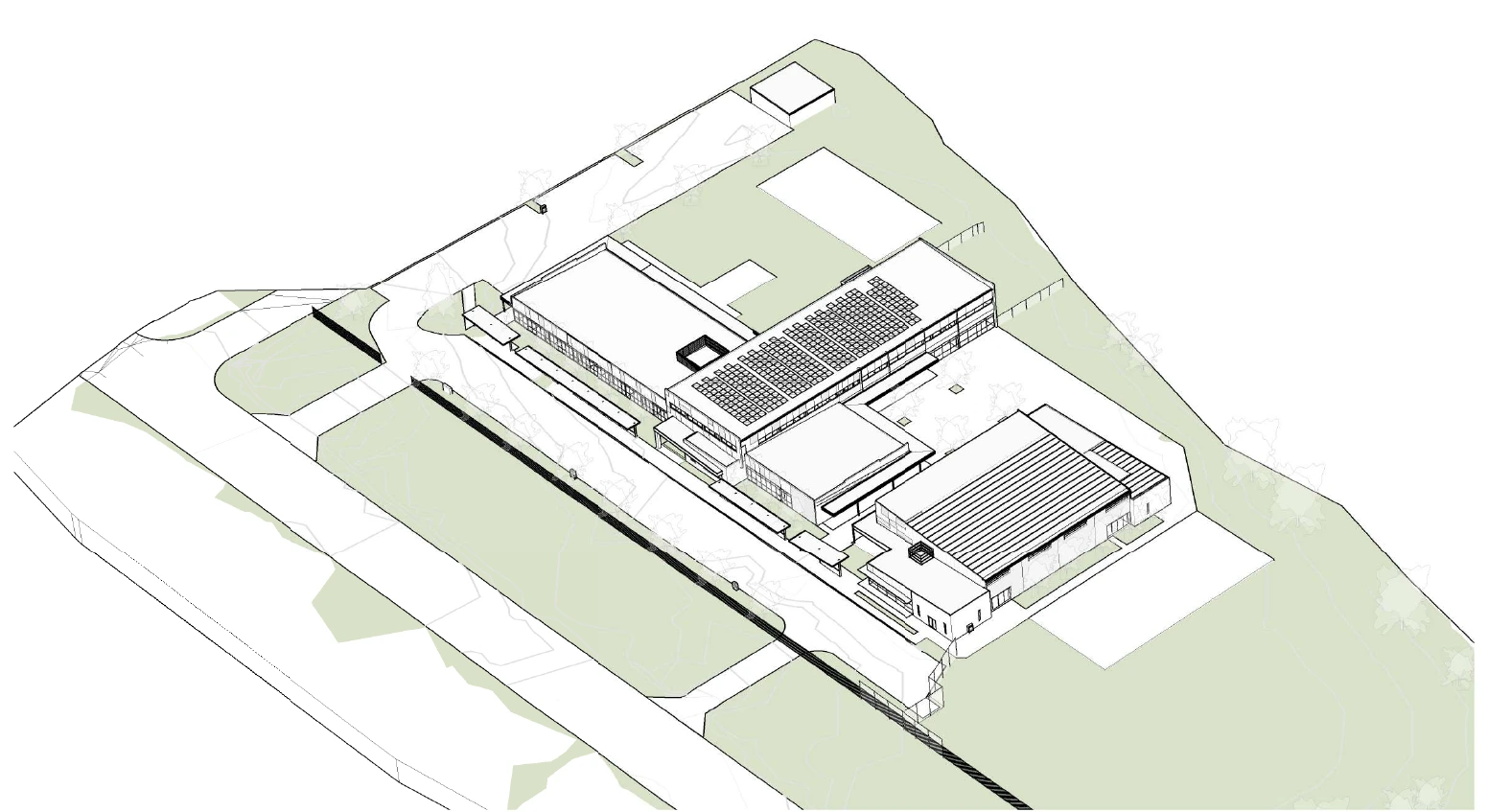
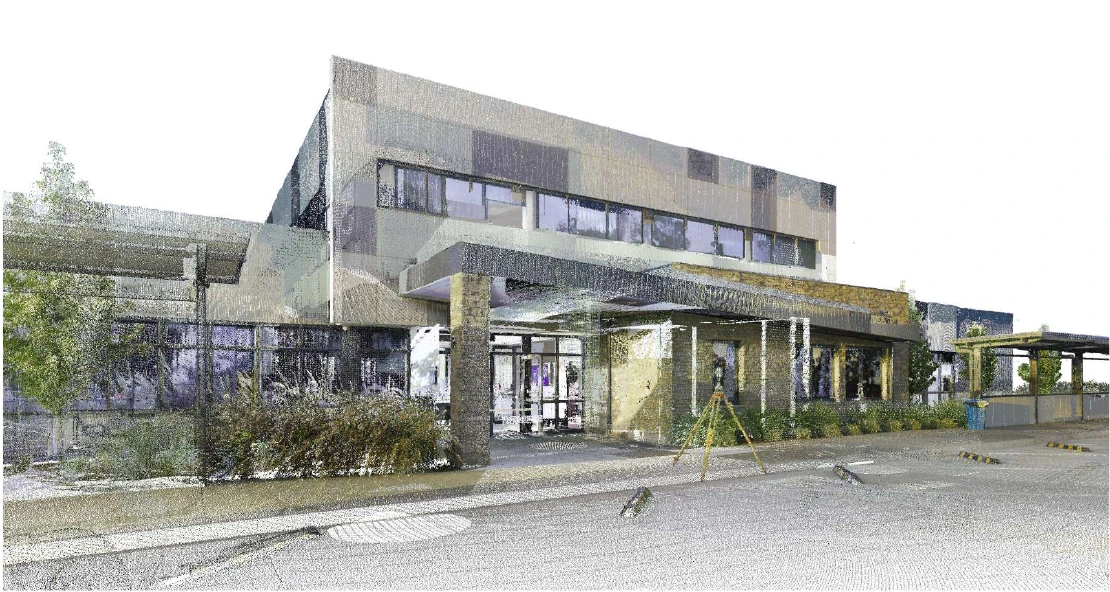
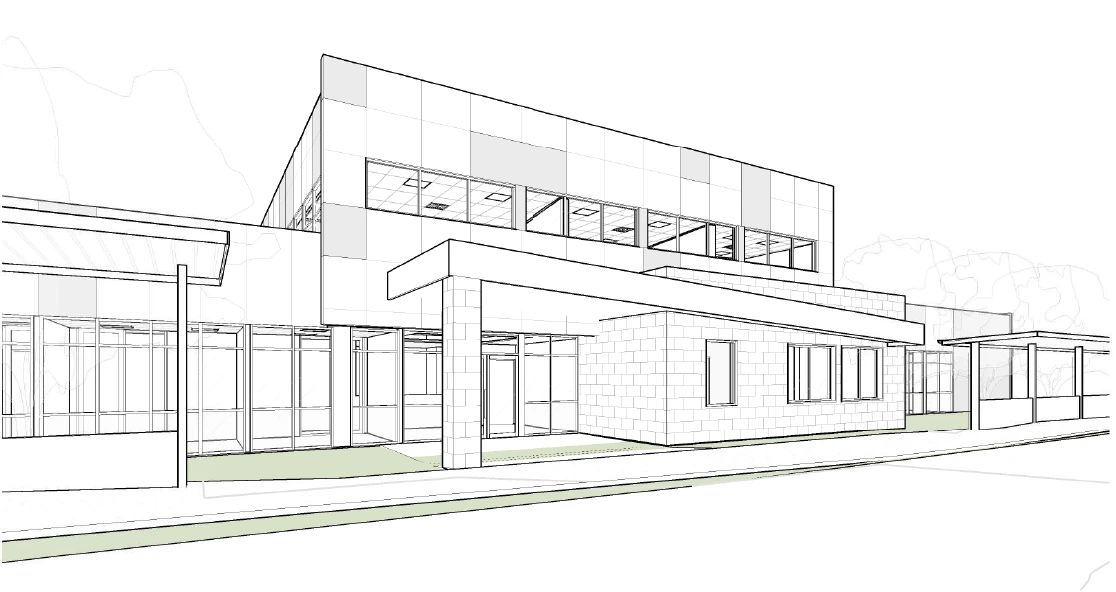
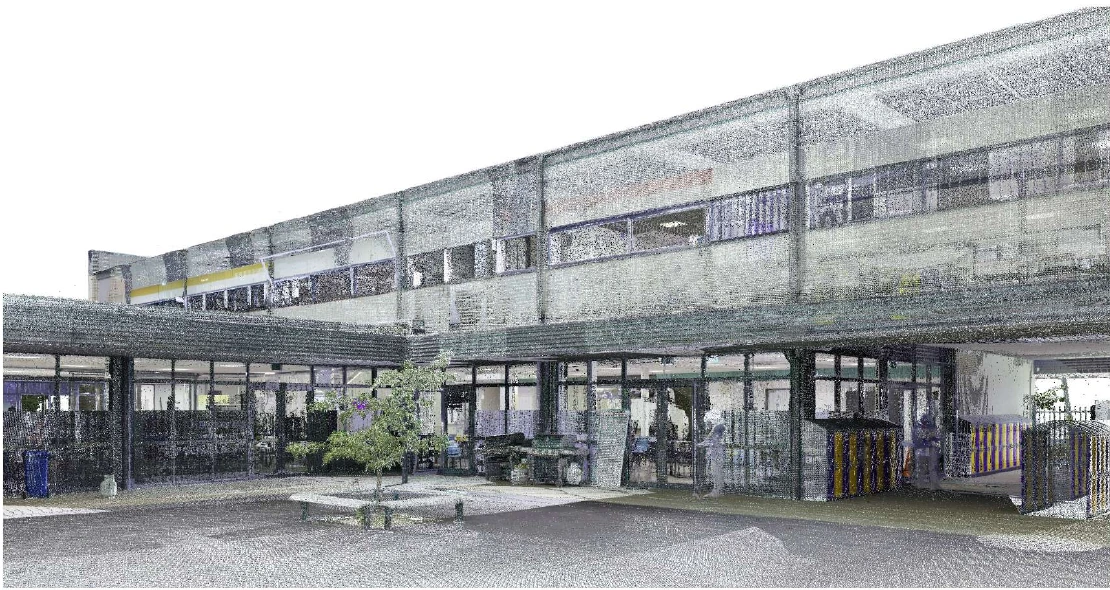
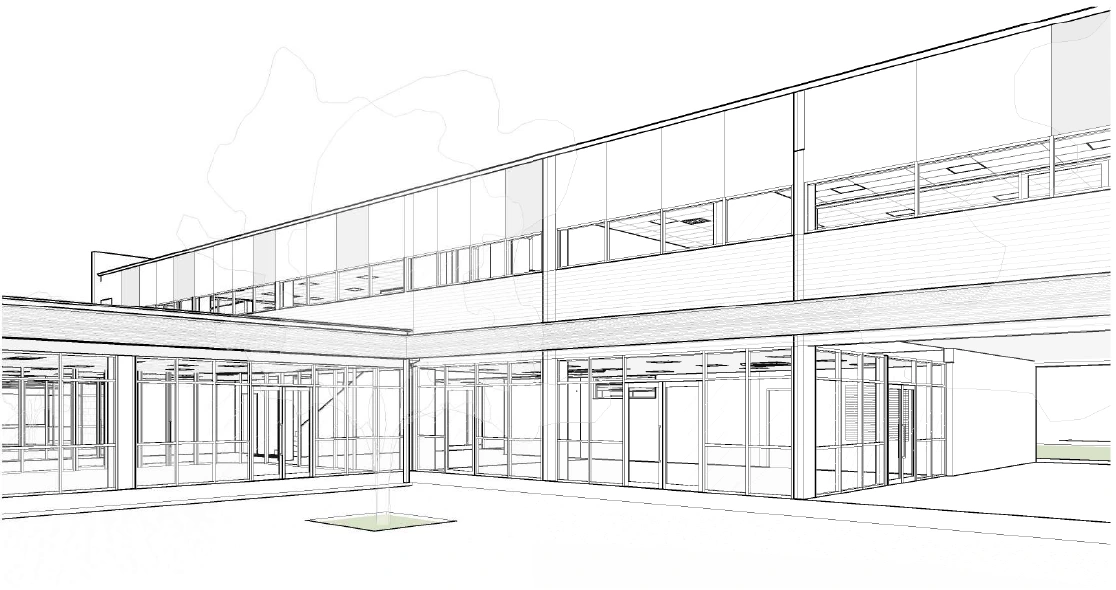
From surveyed reality to an existing-conditions Revit model. Five paired views show the site, building form, and architectural details captured in the point cloud and represented in BIM.
Bird’s-eye view
Building form, roof geometry, and the relationship between buildings and outdoor spaces.
Overall frontage
The full building frontage, including the entrance, canopies, and connected wings.


Entrance
The main entry, upper-level windows, and covered arrival area.
Courtyard
Glazing, facade divisions, and covered circulation around the courtyard.
Play area
The building edge, external stair, and sheltered spaces facing the play area.